
Naresh_NTR
-
Posts
99,425 -
Joined
-
Days Won
5
Recent Profile Visitors
25,610 profile views







Naresh_NTR's Achievements






-
review teeskoleeee
-
-
aaa viral paata lo same dress styling esaad ga
-
disaster.kaaa.baaap.la.undi
-
england vaalakam chuste day3 end ki lead vachela.undi
-
momentum assssam
-
gill catch miss jaddu bowling lo
-
hypeeeee ekkinchandayyyyya inkaaaa
-
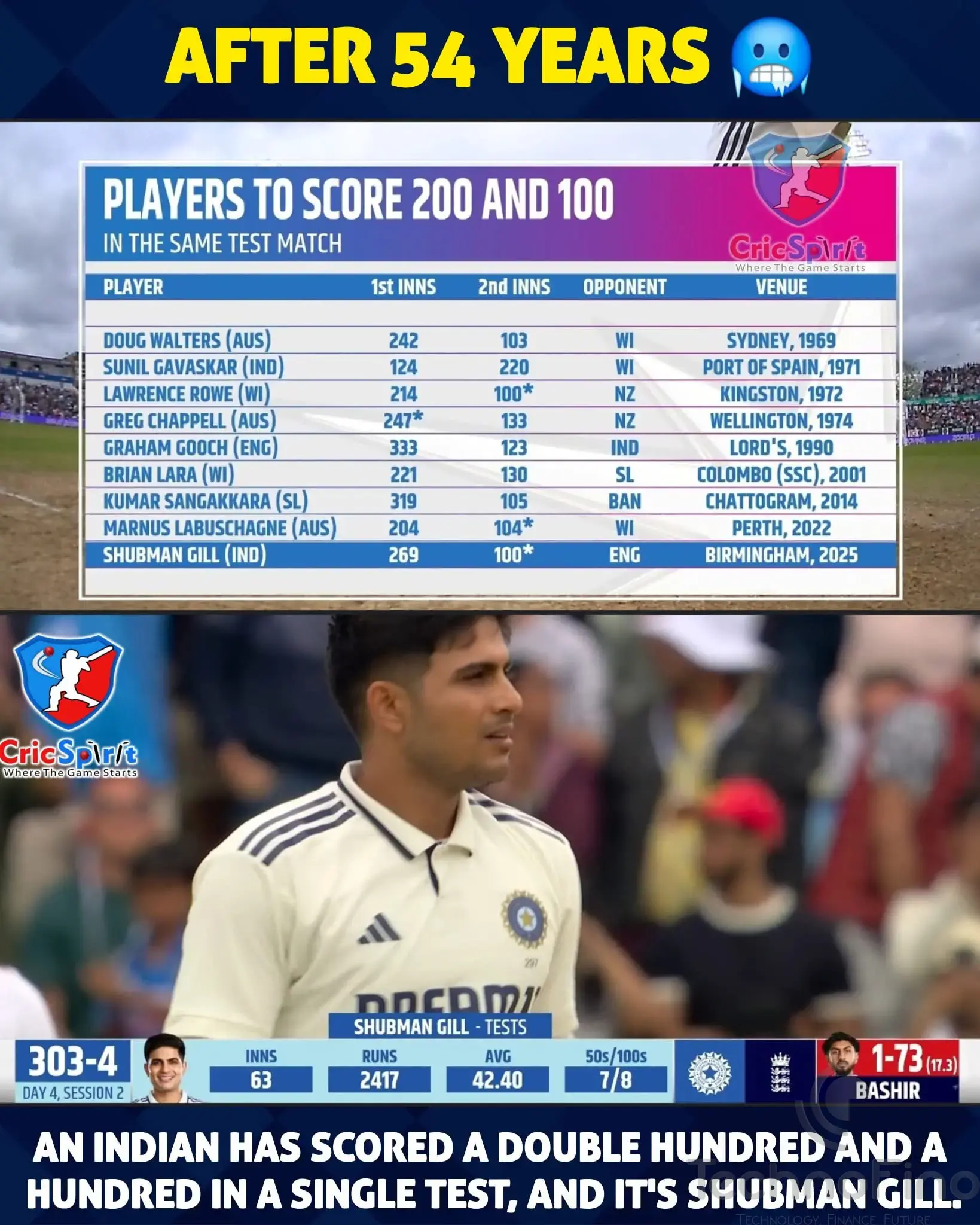
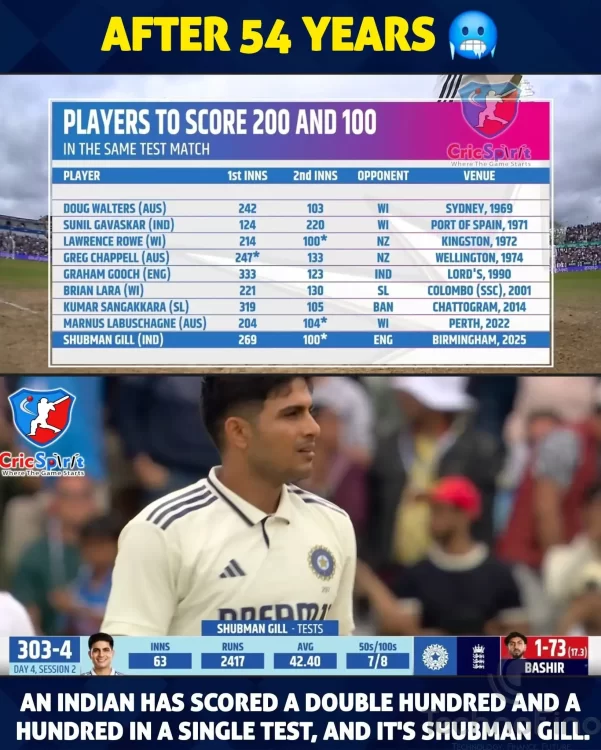
gill gadu 300 chesi unte bagundu.. malli eppatiii vastundo ilanti chance
-
dark tone kavalante mana neel saarvadu teeyalsindhe...
-
 Mobile GOM reacted to a post in a topic:
HHVM - Raktha Kannere 🤣🤣🤣
Mobile GOM reacted to a post in a topic:
HHVM - Raktha Kannere 🤣🤣🤣
-
eee rodd ni kuda 2 paarts aa
-
endi director vishwak gaada ... tharun baskar kaadha
-
Infosys sacks Bengaluru techie after arrest for filming women in washroom, over 30 clips found. Here's what company says A Bengaluru software engineer from Infosys, Swapnil Nagesh Mali, was arrested for secretly recording women in the restroom. Over 30 explicit videos were found on his phone.
-
-
Intha pedda grand entry ki thread ledenti... evar eee recomendation candate ani chuste Gali janardhan son anta..